
The browser-based checker rates every print size as Sharp, OK or Will look blurry, from posters and canvas to mugs and T-shirts, with no account and no upload.
New York, NY (PRUnderground) November 10th, 2026
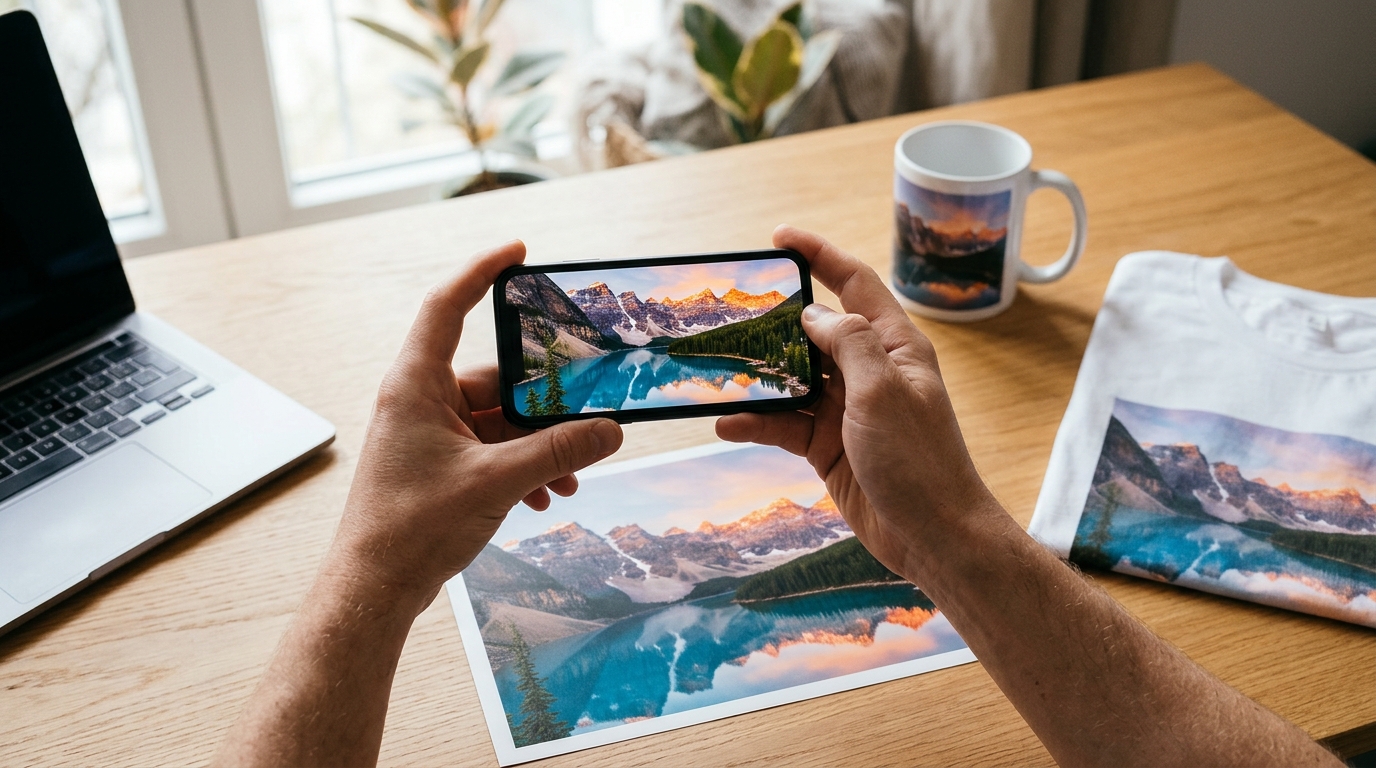
POD Platform Review, the independent site that reviews and compares print-on-demand platforms, has launched a free browser-based tool that tells people whether a photo, logo or design has enough resolution to print sharp before they order. Users choose, drop or paste an image, and within seconds the tool rates each print size as Sharp, OK or Will look blurry, previews the image on the product and shows what gets cut off. It needs no account, email or app, and according to the site the image is read in the browser, is not stored or shared, and never leaves the user’s device.
One Question, Answered Without a Design Tool
The Photo Print Checker was built, the site says, because finding out whether an image will print well should not require a full design tool. Today that usually means opening a product designer, creating an account and clicking past unrelated features to answer a single question. The new tool answers only that question. POD Platform Review describes it as an early version and invites feature requests through its contact form.
Posters, mugs and T-shirts are selected by default, and users can add or remove products to check up to three at a time. Picking a size shows the photo on the product and what gets cut off, and sizes rated blurry also get a close-up of the user’s own photo. The tool covers photo prints, posters and art prints, canvas, greeting cards, wall calendars, photo book pages, mugs, tumblers, round ornaments, fridge magnets, coasters, phone cases, mouse pads and desk mats, throw pillows, T-shirts, hoodies and tote bags. It reads JPEG, PNG, GIF, WebP, HEIC and AVIF files, and on a computer copied images and screenshots can be pasted straight in. Sellers deciding where to print posters and canvas can pair it with the site’s review of print-on-demand sites for wall art.
“Most blurry prints come down to too few pixels for the size ordered. People should be able to find that out in seconds, before they pay, without an account or an upload,” said Marian, co-founder at POD Platform Review.
How the Ratings Are Decided
The tool divides a photo’s pixel count by the print’s size in inches and compares the result with a threshold that depends on how far away the product is normally seen. Prints held close, such as mugs and 4 x 6 in photo prints, need about 250 pixels per inch to rate as Sharp. Mid-size posters, canvas and shirts, seen at arm’s length, need 200, and a 24 x 36 in poster seen across a room needs 150. In practice a 4 x 6 in photo print rates Sharp from 1,000 x 1,500 pixels, a 24 x 36 in poster from 3,600 x 5,400 and a 36 x 18 in desk mat from 7,200 x 3,600. The page publishes the full table of about 40 products and sizes, with figures checked in October 2026.
The page also shows what common image sources can deliver. A 12 MP phone photo of 4,032 x 3,024 pixels prints as a sharp poster up to 12 x 16 in, while a 24 MP iPhone photo of 5,712 x 4,284 pixels stays sharp as a poster up to 24 x 36 in. A photo received through WhatsApp at 1,600 x 1,052 pixels and an iPhone screenshot at 1,179 x 2,556 pixels both print sharp only as a 4 x 6 in photo print. POD Platform Review notes that chat apps and screenshots reduce pixels, and advises asking for the original file, which in WhatsApp means sending the photo as a Document.
What the Tool Does Not Do
The site is explicit about the limits. The tool counts pixels only: it does not fix, sharpen or upscale an image, and it does not judge focus, noise or color. Upscaling, the page notes, adds pixels but not real detail. It does not design products or take orders, and it does not read vector files such as SVG, PDF, AI or EPS, so logos should be checked as the PNG or JPEG that will be uploaded to the print service. Because each photo is scaled to fill the shape of the product, parts that do not fit are cropped, and canvas wraps about 2 in of the image around the frame, so it needs more pixels than its front size suggests.
POD Platform Review presents the figures as guides, not guarantees, and tells users to check the print service’s own preview before ordering, since services set their own limits. The tool is available now at podplatformreview.com, where it joins the site’s print-on-demand profit calculator among its free tools for people who buy and sell custom products.
About POD Platform Review
POD Platform Review reviews and compares print-on-demand platforms side by side, by product, sales channel and region. The team places real orders, compares production times against what is advertised and checks print quality. The site publishes reviews, comparisons, alternatives, best-pick guides, and free tools.
Media contact
Marian, co-founder at POD Platform Review
POD Platform Review
contact@podplatformreview.com